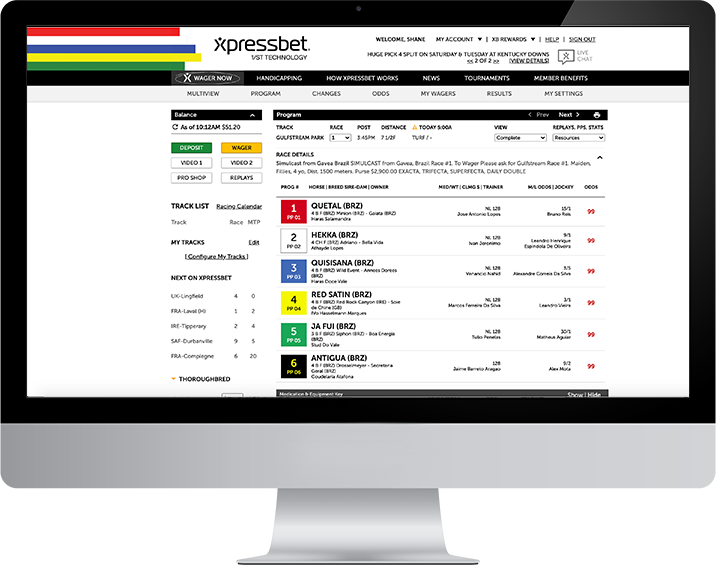
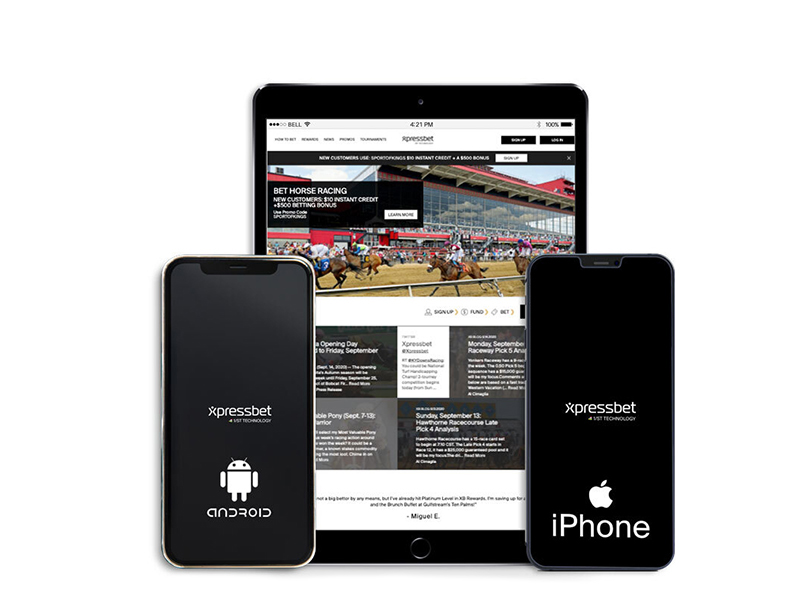
Xpressbet Mobile makes betting the races from your iPhone, Android or Tablet simple no matter where life takes you! Our easy-to-use mobile wagering platform is available on all of the most popular smartphones and tablets, putting our streamlined wagering interface, live video, up-to-the-minute odds and deposits and withdrawals in the palm of your hand. Never miss post time again…start playing with Xpressbet Mobile today!
We make it easy to bet on your iPhone! To start using iPhone wagering, simply download the Xpressbet app in the iTunes App Store or visit https://m.xb-online.com using Safari or your preferred browser.
We make it easy to bet on your Android device! To start using Android wagering, simply visit https://m.xpressbet.com using your preferred browser.
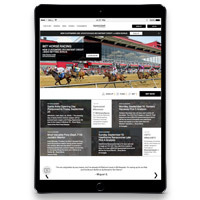
We’re bringing the excitement of playing the races right to your Tablet! Our cutting-edge technology supports iPad, Android, and Kindle Fire devices, so your Tablet wagering is covered no matter which brand you prefer. Customers betting on larger Tablets, such as the iPad and Galaxy Tab, generally prefer using the full Xpressbet site for the best wagering experience, while customers using smaller Tablets, like the iPad Mini, may prefer our streamlined Mobile site. To use Xpressbet Mobile on your Tablet, simply log in to https://m.xb-online.com while using it.